
Cory LaNou
Why I Stopped Prompting and Started Commanding
Update (December 2025): Since writing this, Claude Code introduced a native plugin system that makes extending Claude even easier. The workflow concepts here still apply, but I now use Gopher AI plugins instead of individual commands. If you're just getting started, check out the new article first.
Overview
I was already using AI for everything—fixing issues, generating tests, reviewing code. But every day I'd re-explain my process, skip context because typing was tedious, and wonder why the output wasn't quite right. Then I realized: the problem wasn't AI. It was me being lazy with my prompts. Commands fixed that.
The Daily Prompting Problem
I still like to code. That hasn't changed. But I've accepted that AI does a lot of things faster than I can. Issue triage, basic fixes, boilerplate, tests—these tasks used to eat hours of my day.
So I started using AI for all of it. Every day.
Here's what that looked like: Fix an issue? I'd explain my process to Claude. Review code? I'd tell it what to look for. Generate tests? I'd describe my testing philosophy.
The problem? I had to explain it every single time.
And I'd get lazy. I knew exactly how I wanted things done—the branch naming conventions, the TDD workflow, the specific linting rules I care about—but typing all that context every day didn't make sense. So I'd shortcut it. Give AI the abbreviated version.
Then I'd wonder why the output wasn't quite what I wanted.
Commands Are Just Prompts You Only Write Once
That's the realization that changed everything for me.
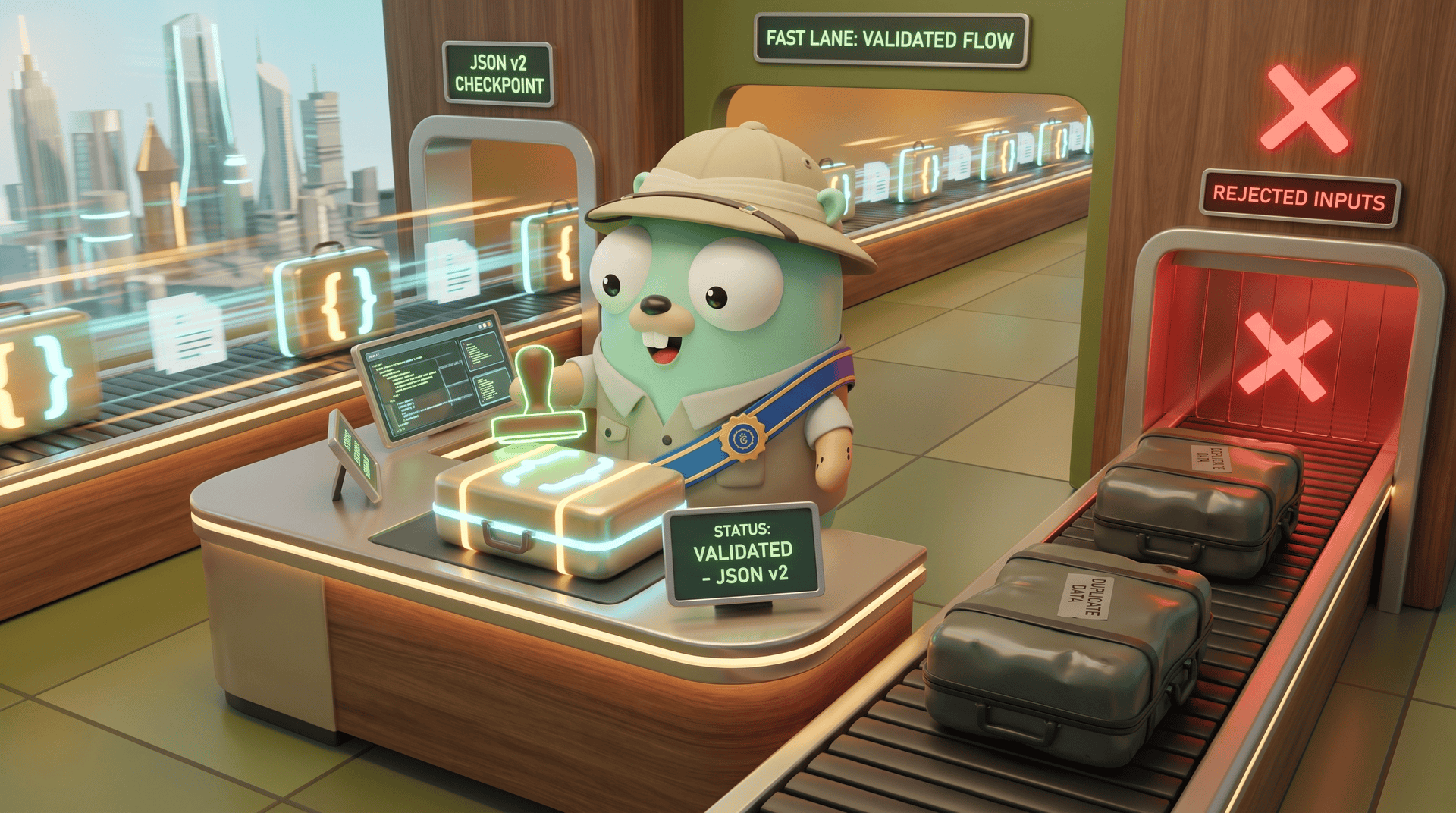
A command isn't magic. It's just a prompt—but one you write once, carefully, with all the detail you'd normally skip. Every edge case you'd forget to mention. Every preference you'd leave out because you're in a hurry. It's all encoded in the command.
Take /fix-issue. If I was just prompting, I might say "fix issue 123." Quick. Easy. Lazy.
But the command knows to: 1. Fetch the issue from GitHub first 2. Understand the full context before touching code 3. Write a failing test that proves the bug exists 4. Implement the minimal fix to make the test pass 5. Run the full test suite and linters 6. Open a PR with a proper description linked to the issue
It does what I would do if I had unlimited patience—which I don't.
The result is dramatically better. Not because AI got smarter, but because I finally gave it the full context it needed.
What Claude Commands Is
Claude Commands is an open collection of 48+ slash commands for Claude Code. The philosophy is simple:
We hate typing. We hate confirming. We want AI that thinks like us and executes like it's us.One manager command (/claude-commands) handles discovery, installation, and updates. You clone it once, symlink it, and you're set:
git clone git@github.com:claude-commands/command-claude-commands.git ~/claude-commands/command-claude-commands
ln -s ~/claude-commands/command-claude-commands/claude-commands.md ~/.claude/commands/claude-commands.md
Then in Claude Code:
/claude-commands
Interactive menu. Install what you want. Done.
What Becomes Possible
Once you start thinking in commands instead of prompts, things get interesting.
Running Features in Parallel
I regularly have 3-5 features being worked on simultaneously. Each in its own worktree. Each making progress without me babysitting.
/start-issue 456    → spins up a worktree, sets up the branch
/fix-issue 456      → does the TDD workflow, opens PR
I kick that off, switch to another terminal, start the next feature. Come back later to review what got done. The commands have all the context they need—I don't have to re-explain anything.
This would be tedious, if not impossible, without commands encoding exactly how I want things done.
AI Tools Working Together
Here's where it gets fun. Different AI tools have different strengths. Claude is great at implementation. Codex is more consistent at catching certain issues in review.
Instead of copying diffs between tools and re-explaining context, I just:
/codex review
Codex reviews the code. Results come back to Claude. And here's the thing—Claude usually just fixes whatever Codex found without me even asking. I don't have to babysit until the review is done. Less downtime, AI working together.
Sometimes Claude even figures out to re-run the same /codex review command after making fixes, creating a feedback cycle that produces incredibly solid, well-reviewed code. I still review it myself when it's done, but this process catches the obvious stuff—and sometimes crazy edge-case bugs that a human likely wouldn't have spotted until production broke.
This is the kind of advanced workflow that becomes trivial once you've embraced commands. You're not prompting anymore—you're orchestrating.
Some Commands Worth Knowing
The collection covers most of my daily work:
/start-issue— Creates isolated worktree, fetches issue, sets up branch/fix-issue— Full TDD workflow from issue to PR/codex— Delegates tasks to OpenAI Codex CLI/standup— Generates daily standup notes from recent commits/tech-debt— Analyzes codebase for technical debt/test-gen— Generates tests for code lacking coverage/create-command— Scaffolds new commands when you want to build your own
The full list is at github.com/claude-commands. Each command is its own repo, so install only what you need.
Getting Started
# Clone the manager command
git clone git@github.com:claude-commands/command-claude-commands.git ~/claude-commands/command-claude-commands

# Symlink it
ln -s ~/claude-commands/command-claude-commands/claude-commands.md ~/.claude/commands/claude-commands.md
Then in Claude Code, run /claude-commands. Interactive menu, install what you want, done. Updates are just git pull or /claude-commands update.
I Want Your Feedback
This is an open project, and I'd genuinely like to know what's working and what isn't.
For bugs, feature requests, or ideas for new commands, open an issue on GitHub. The discussions there are active.
For general thoughts or just to say hi, find me on Twitter/X (@corylanou) or LinkedIn. You can also reach Gopher Guides (@gopherguides) on Twitter or LinkedIn.
Let me know what commands you'd find useful. Or better yet, build one and submit it.